

Build interactive calculators
in minutes — no code required
Boost conversions, capture leads, and embed calculators anywhere via link, iFrame, or QR.
No credit card required. Ready-made templates.
Trusted by the best in the field
Довіряють найкращі у своїй сфері






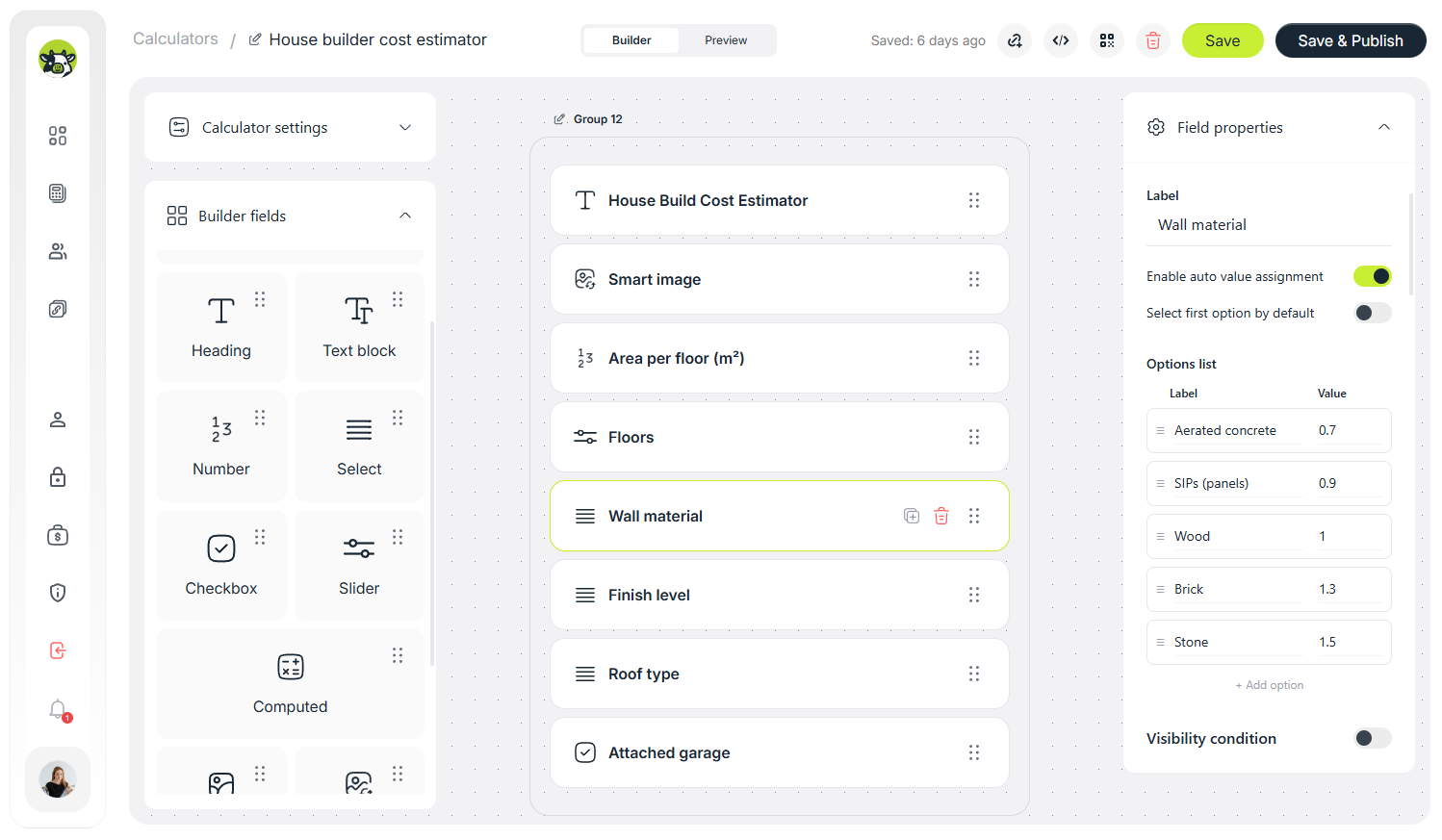
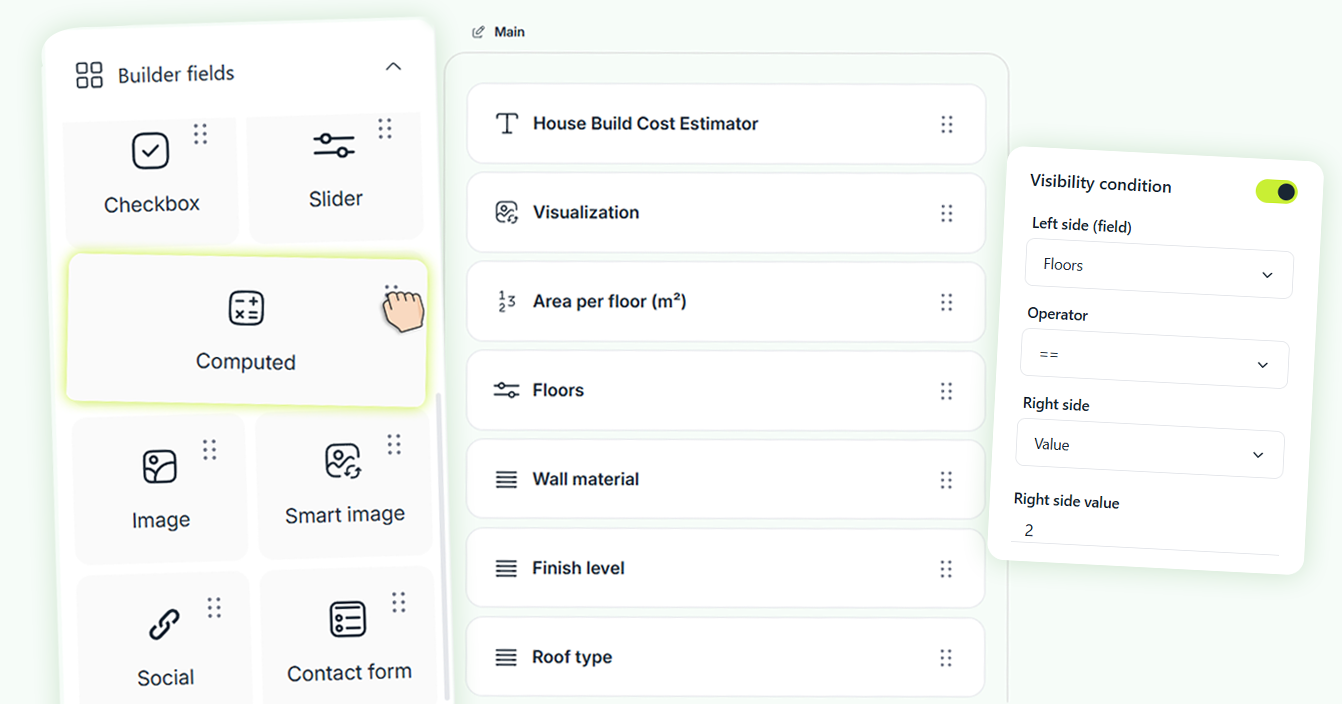
Build your calculator in a few steps
Add the fields you need, style the look, and enable a simple contact form if needed. Ready to use in minutes.
Add fields
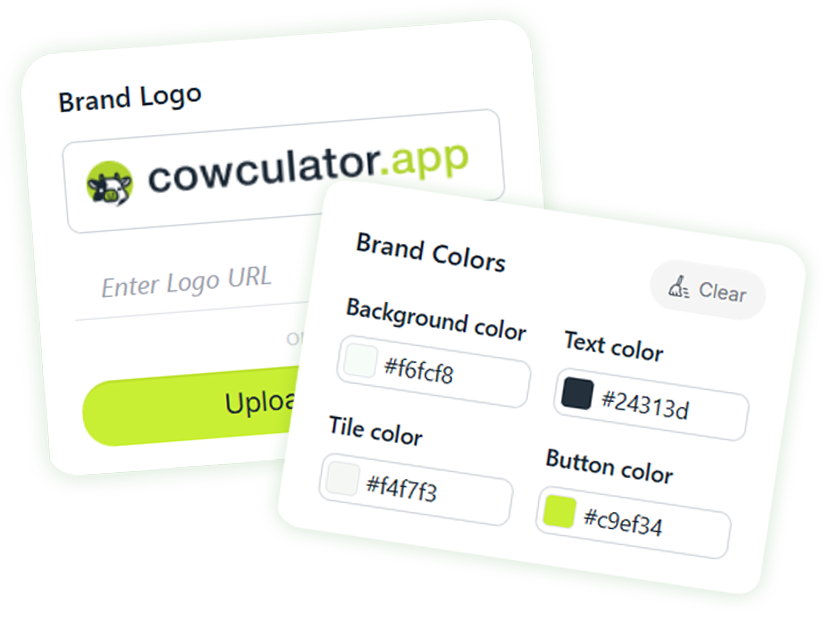
Brand it your way
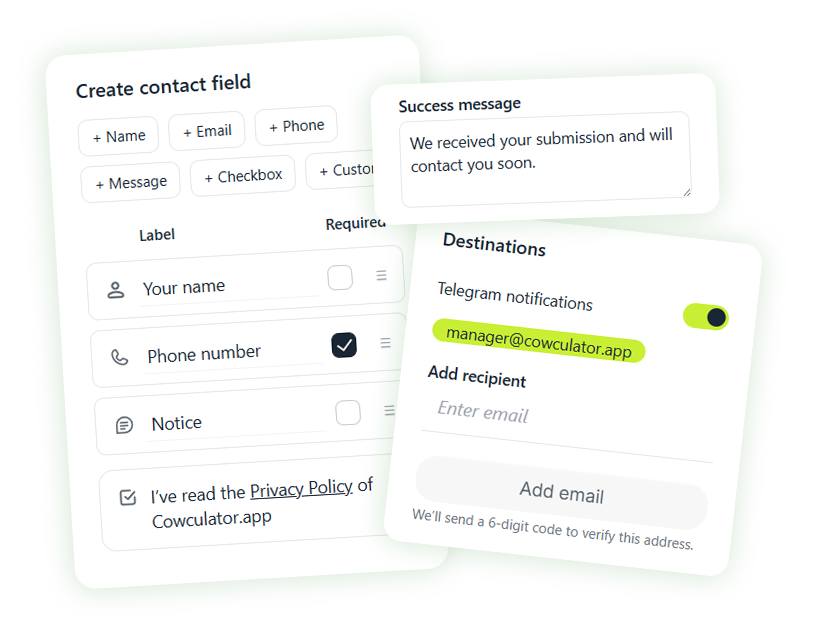
Optional contact form
Your calculator is ready!
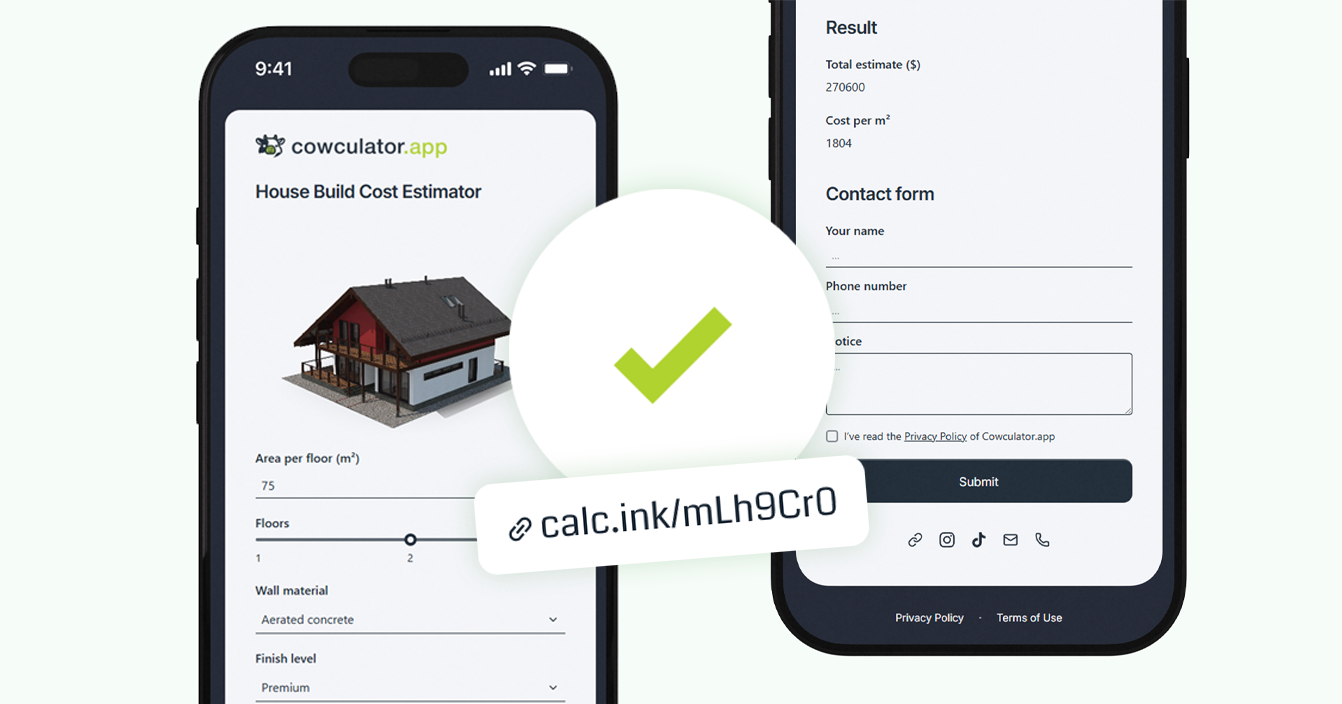
Powerful features
for your calculators
Customize your calculators, add your branding,
and use them to capture and convert more leads.
Choose the plan that fits your needs
Start with a 14-day free trial and explore all features.
After that, pick the plan that works best for your business.
Starter Plan
Perfect for freelancers, consultants, and small businesses who need just a few calculators on their site
Most Popular
Pro Plan
Great choice for marketers, agencies, and growing companies that want multiple calculators and active lead generation
Seamlessly Integrated with Your Favorite Tools
Consectetur adipiscing elit sed do eiusmod tempor inci labore et dolore magna aliqua dolore magna enim aliqua.








What our customers say
Short quotes from marketers, agencies, and business owners across Ukraine, Europe, and the U.S. — how they use Cowculator for estimates and lead capture.
Built a service pricing calculator in an hour and embedded it via iFrame — enquiries noticeably increased.

Marketer
Templates saved us time: we tweaked colors and the logo — now it looks like our own tool.

Design Studio Owner
The visual builder is straightforward; we shipped a pricing estimator in one afternoon and started collecting leads the same day.

Growth Marketer
The bundle-picker calculator boosted engagement on category pages; customers decide faster.

Online Store Owner
We embedded a simple quote form; the flow feels natural and our team gets qualified requests faster.

Digital Strategist
The mortgage payment calculator shows the basics before the call — conversations are shorter and more specific.

Realtor
Our price calculator became the main CTA on the site — less back-and-forth, more enquiries.

Service Business Owner
Interactive calculators built for our keyword themes added useful content and improved engagement metrics.

SEO Specialist
Simple builder and clear field logic — our non-dev team handled it quickly.

Marketer
The calculator pre-qualifies leads — managers get clear requests with all parameters.

Head of Sales
Size & bundle calculator reduced confusion and returns; customers pick the right set on their own.

E-commerce manager
A two-click cost estimate for procedures — more bookings straight from the page.

Salon Owner
We tested a “pricing by usage” calculator; sharing via link made it easy to validate with users.

SaaS Founder





Ready to share your calculator
by link or on your site?
Blog: cases,
ideas & how-tos
Practical examples, step-by-step guides, and conversion tips. Fresh content on building and using calculators.

Renovation Contractor Digital Business Card with Calculator: Full Step-by-Step Cowculator Template
Renovation Contractor Digital Business Card with Calculator: Full Step-by-Step Cowculator Template In…
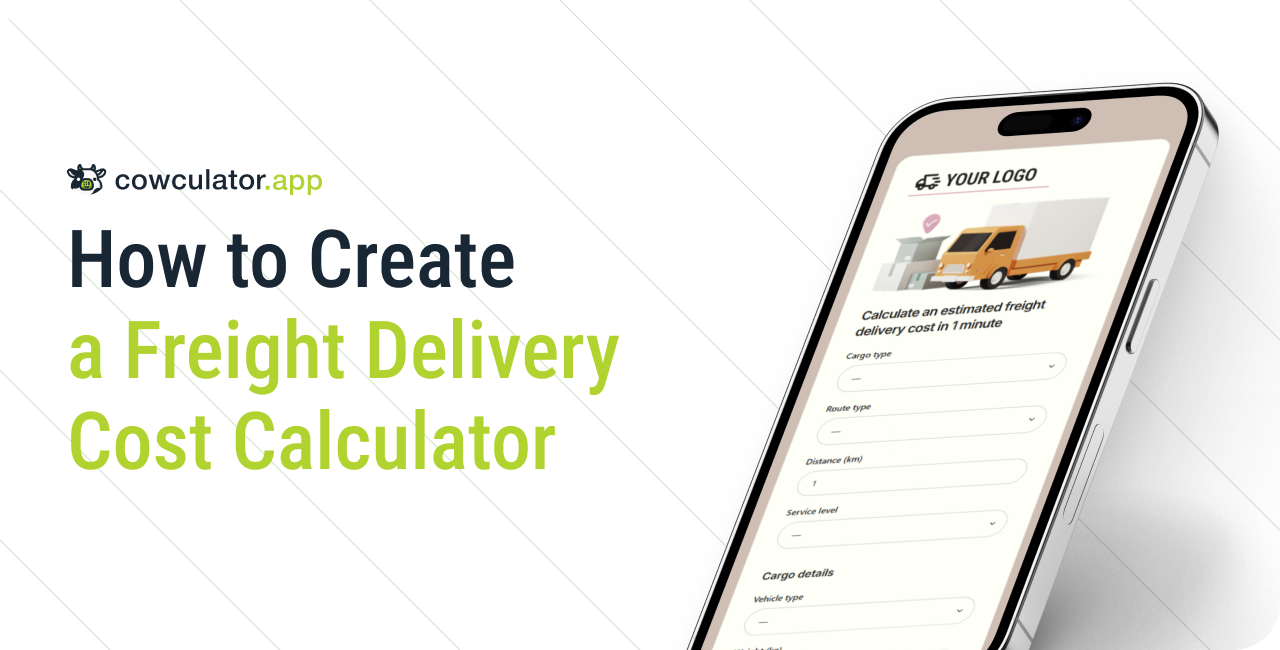
How to Create a Freight Delivery Cost Calculator for a Logistics Company
How to Create a Freight Delivery Cost Calculator for a Logistics Company…
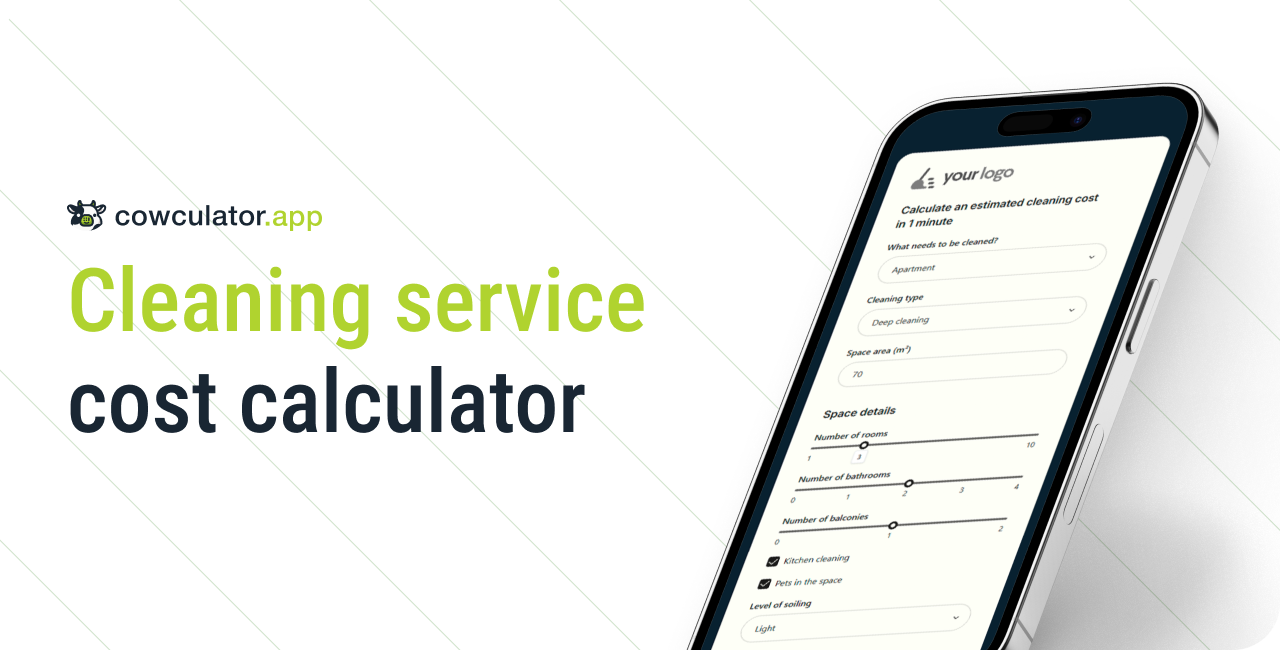
How to Create a Cleaning Service Cost Calculator
How to Create a Cleaning Service Cost Calculator for a Cleaning Company…
Questions & Answers
The most common questions about building, publishing, and pricing. Pick yours — we keep things simple.
Cowculator is a no-code calculator builder: add fields, style the look, publish a link or embed it on your site.
No. Everything is done in a visual editor with drag-and-drop.
Once published, you get a public URL (great for “link in bio”) and an iFrame code for any page.
Yes. Place the public link in your social or messenger profile.
You test the chosen tier for 14 days. After the trial, select a plan to keep publishing/editing.
Your data and drafts remain saved.
Starter — core limits; multiple static images; 5 themes; basic branding; formula field: standard mode (no Conditions mode); built-in leads list and email lead notifications with form data only (no calculator data).
Pro — higher limits; 10 themes; option-based visualization; advanced branding; formula field: standard + Conditions mode (if/else if/else/and/or rules); built-in leads list, email and telegram lead notifications with form and calculator data; export leads in CSV format; deeplinks with prefilled inputs; AI Builder (beta).
A static image is always the same. Visualization switches images based on user choices (available in Pro).
In Pro Plan: describe your calculator in plain language and the AI generates a starting version you can refine.
Yes. A light form with basic configuration is available.
Starter — email within 24h; Pro — priority response;
Try it free and share your calculator anywhere
Create a calculator in minutes with the visual editor.
Public link for your profile or an iFrame for your website.
Quick Links
Ready-made templates
Support
Follow us

Copyright © 2026 Cowculator.app
Почніть пробний період й діліться
своїм калькулятором будь-де
Створіть калькулятор за лічені хвилини з візуальним редактором
Отримайте публічне посилання та код для встановлення на веб-сайт
Навігація
Готові шаблони
Підтримка
Слідкуйте за нами
Copyright © 2026 Cowculator.app